

Dashboard
The dashboard provides outlet and user-level details along with the current orders cart view. It also includes buttons to launch common work-flows such as search items, add custom items, scan items.
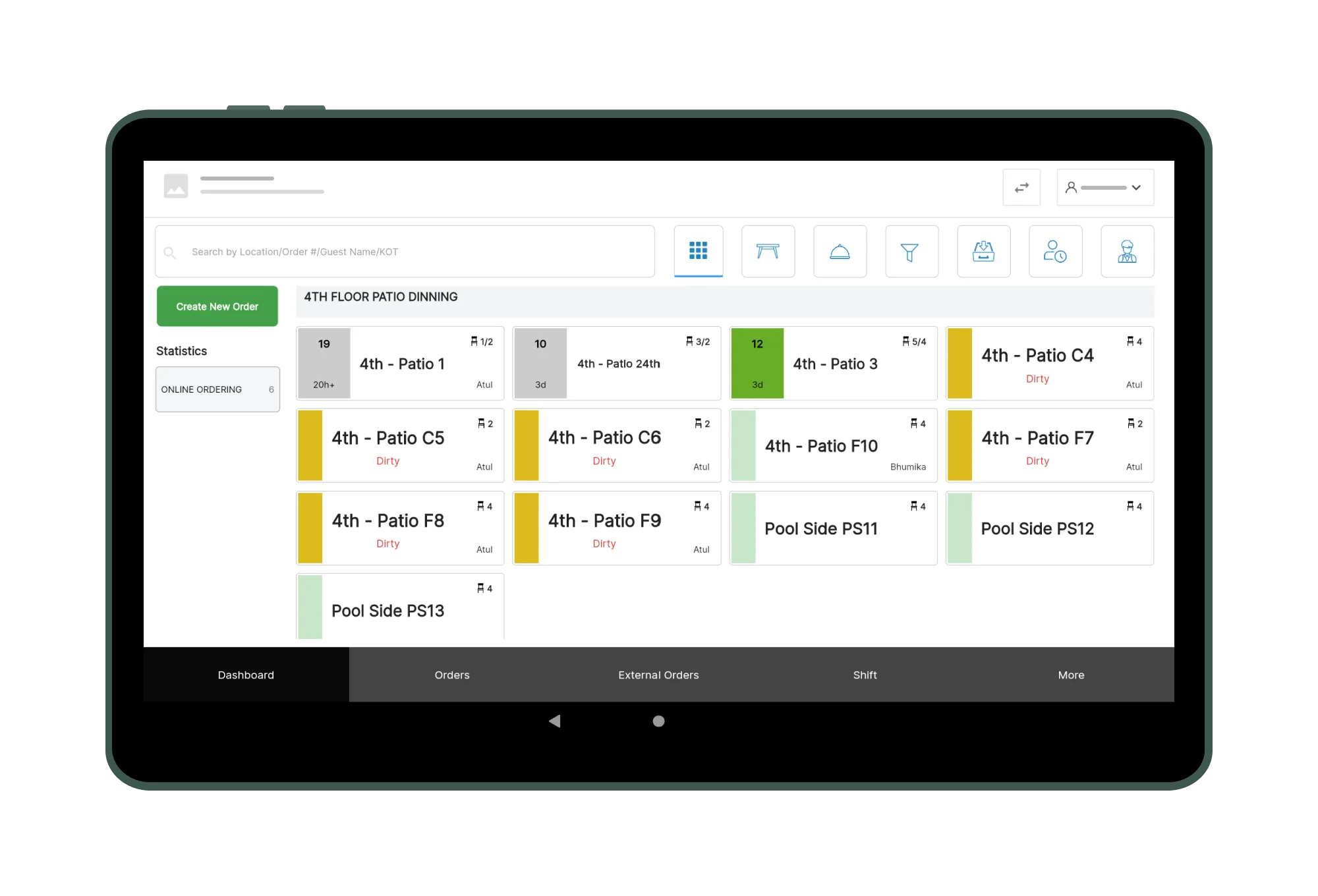
Add Items
Register allows to add items to the cart in a rapid way by different modes such as integrated scanner, built-in scanner or adding items manually by using the advanced search functionality built in the application.
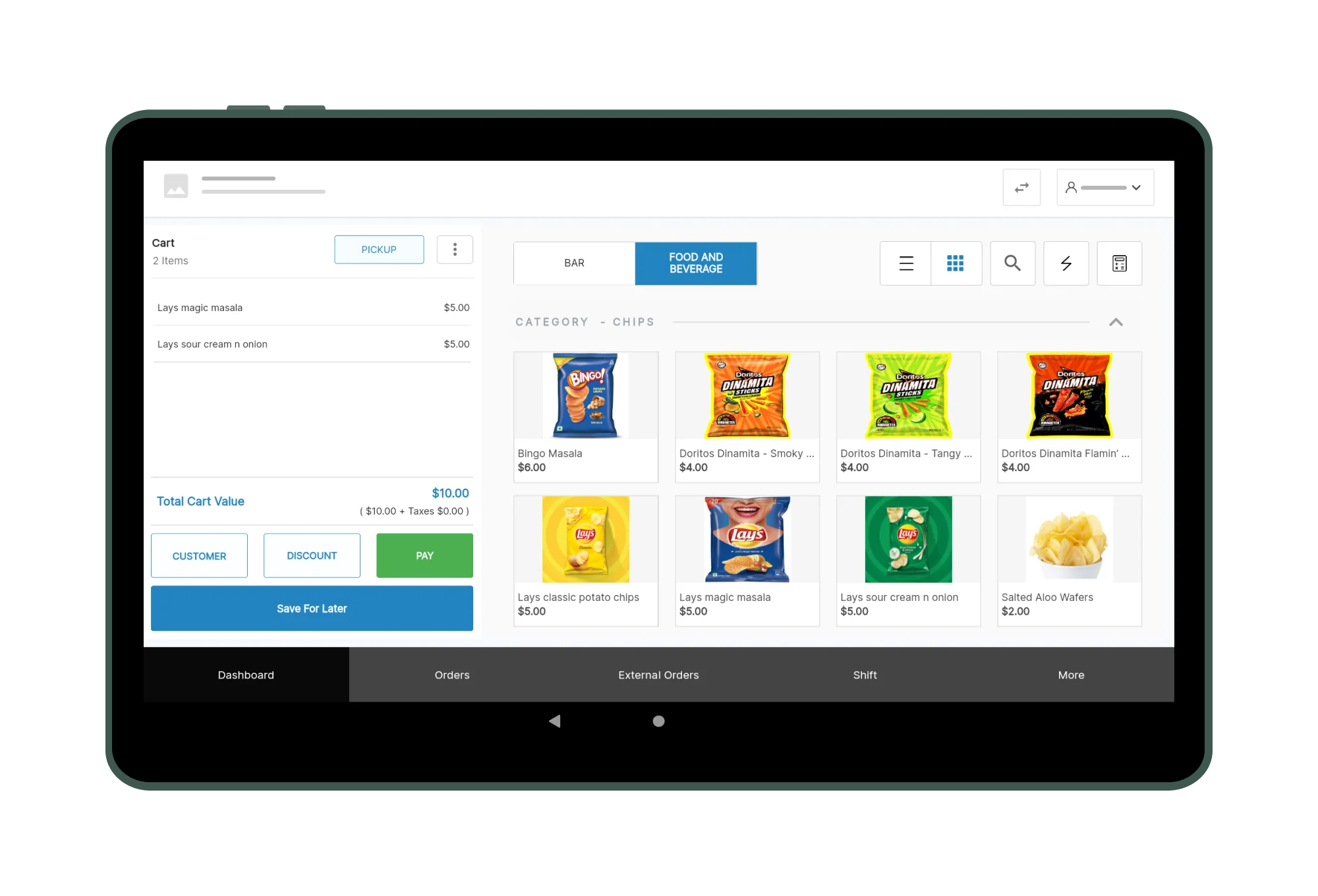
Manage Cart
Once items are added to the cart, the register app allows various actions such as capturing customer profile, adding more items, manage item quantity, remove an item, add remarks that get displayed on the receipts seamlessly.
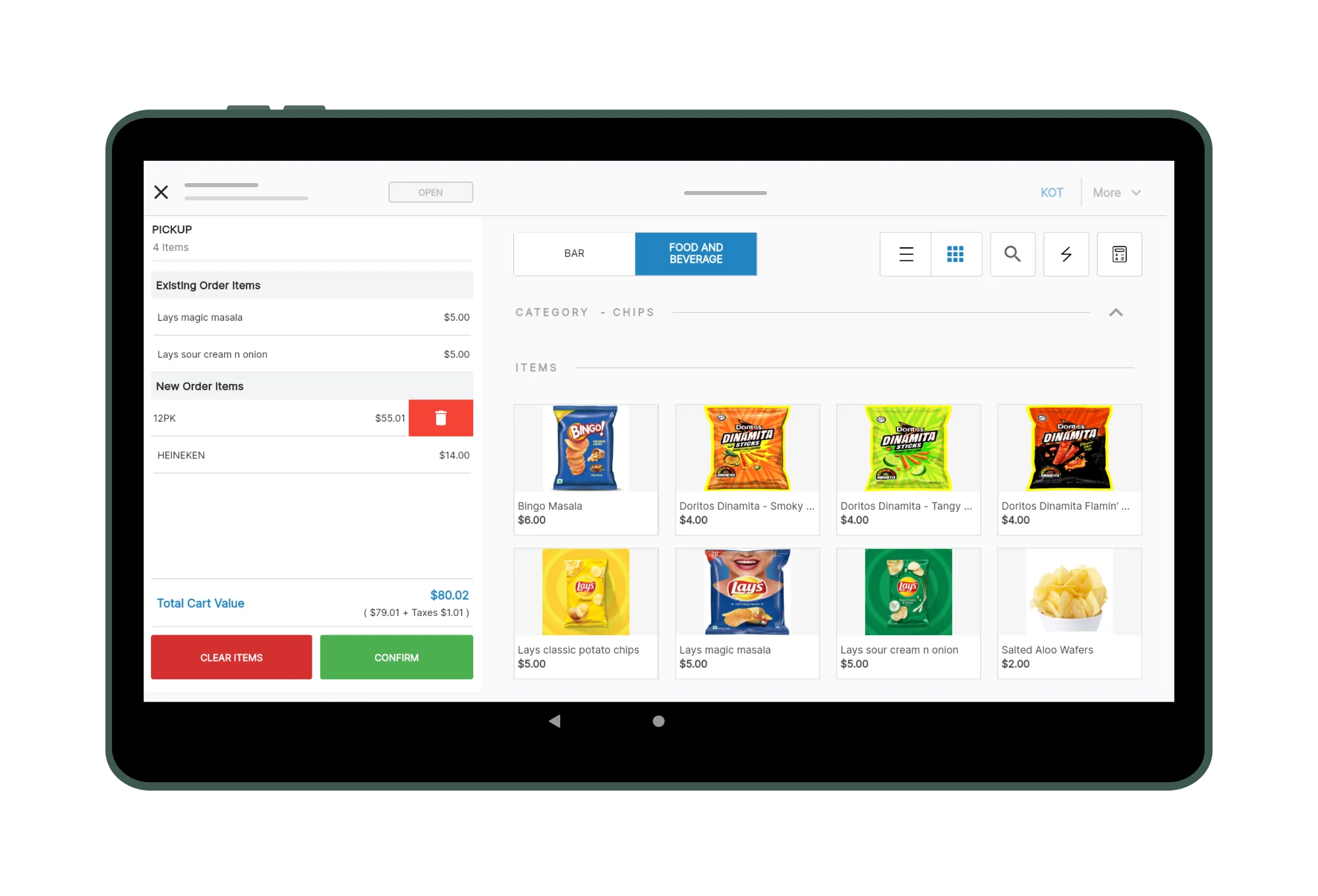
Pending Sale
Register application allows the user to save the order if the customer has forgotten to pick up an item or add an item before closing the order. Easy retrieval of pending sales and close the order once the customer is ready.
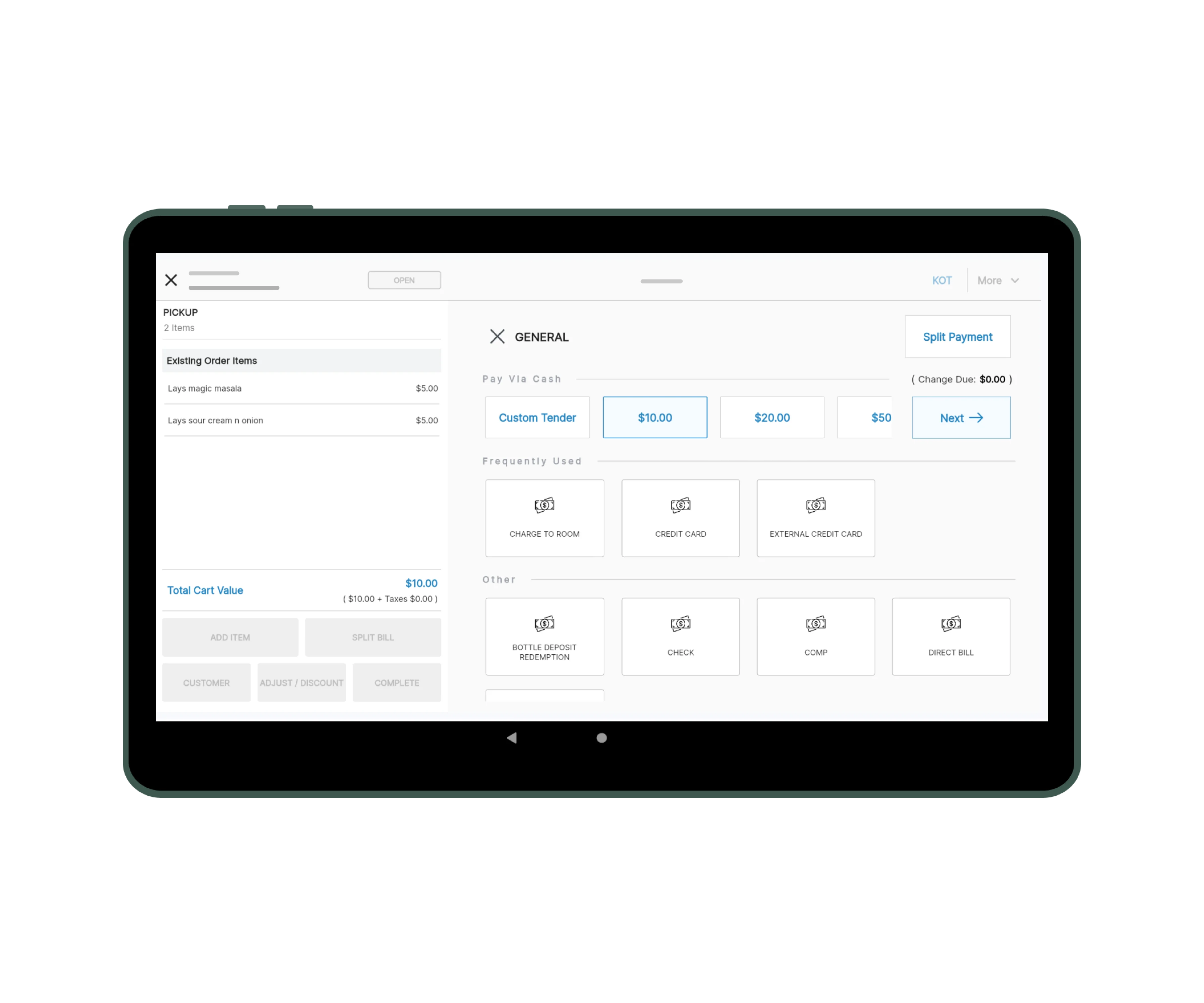
Check Out
The check out of an order is simple and fast in the Register application. For simplified usage, the application provides a guided approach for the customer to print or email receipt of the order.
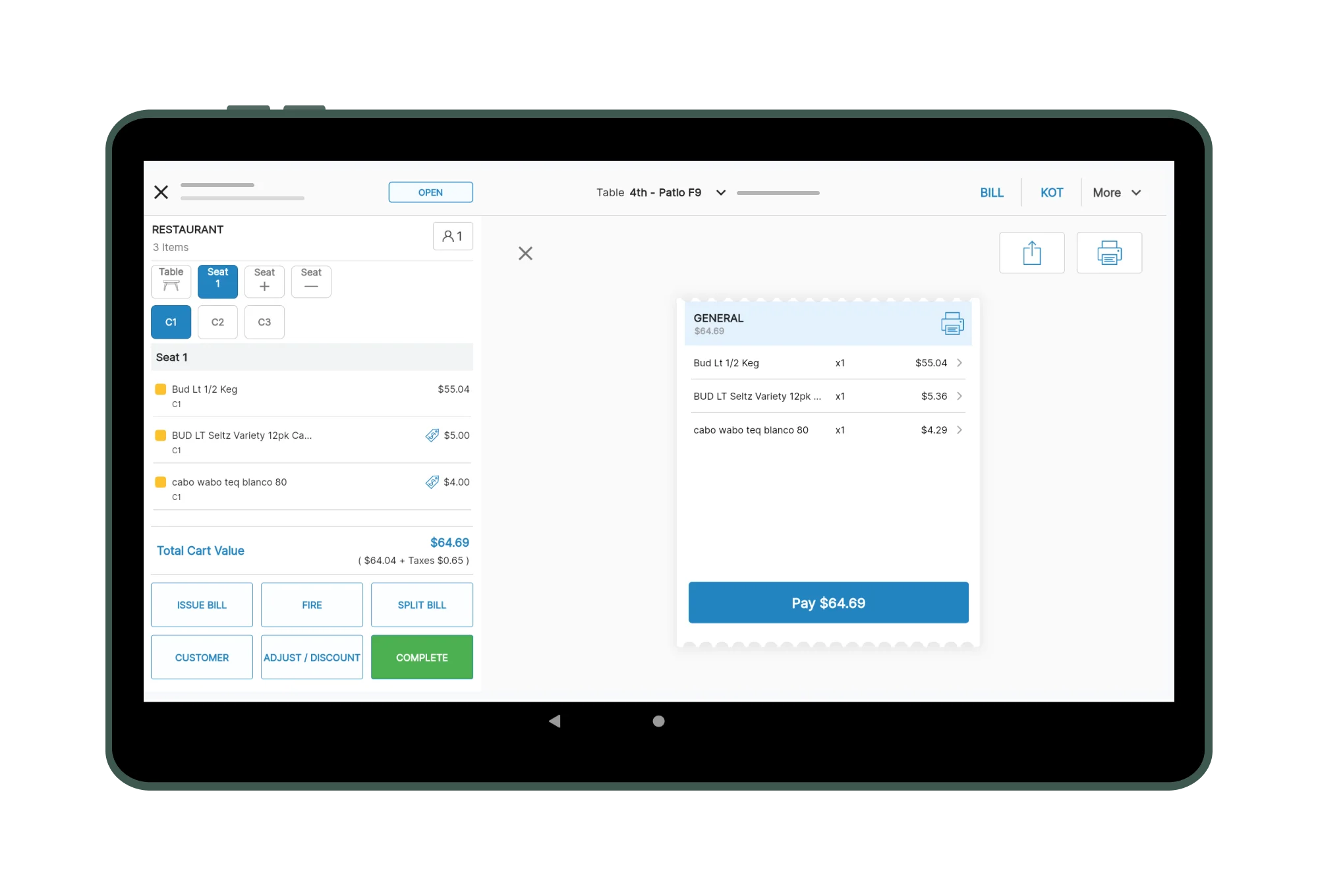
Engage Guests
Add a GuestPad device facing the guest on the front desk to allow digital confirmations and options to print or email receipt for the order.
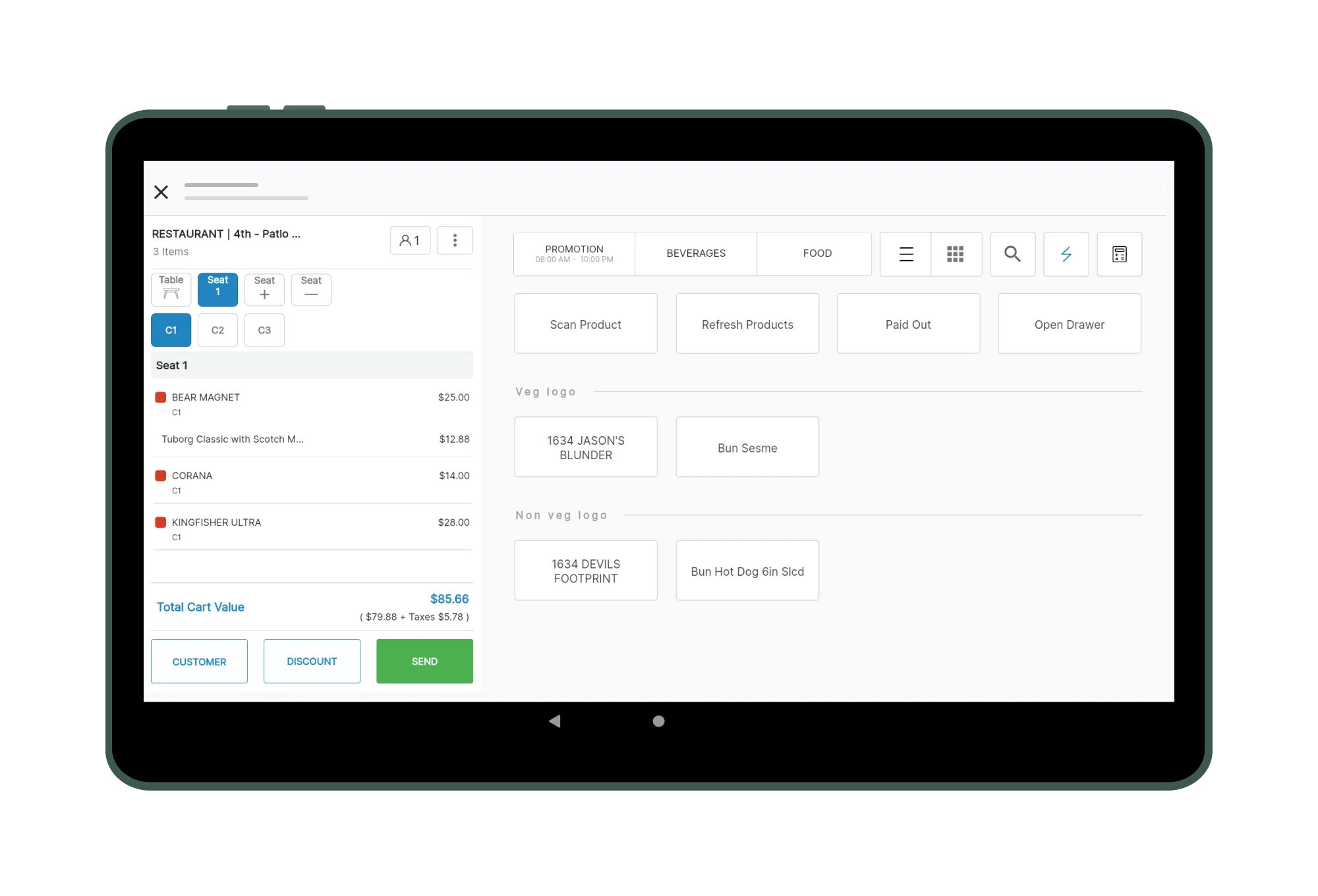
Shortcuts
Create shortcuts for the most widely used products and allow users to perform quick check out.
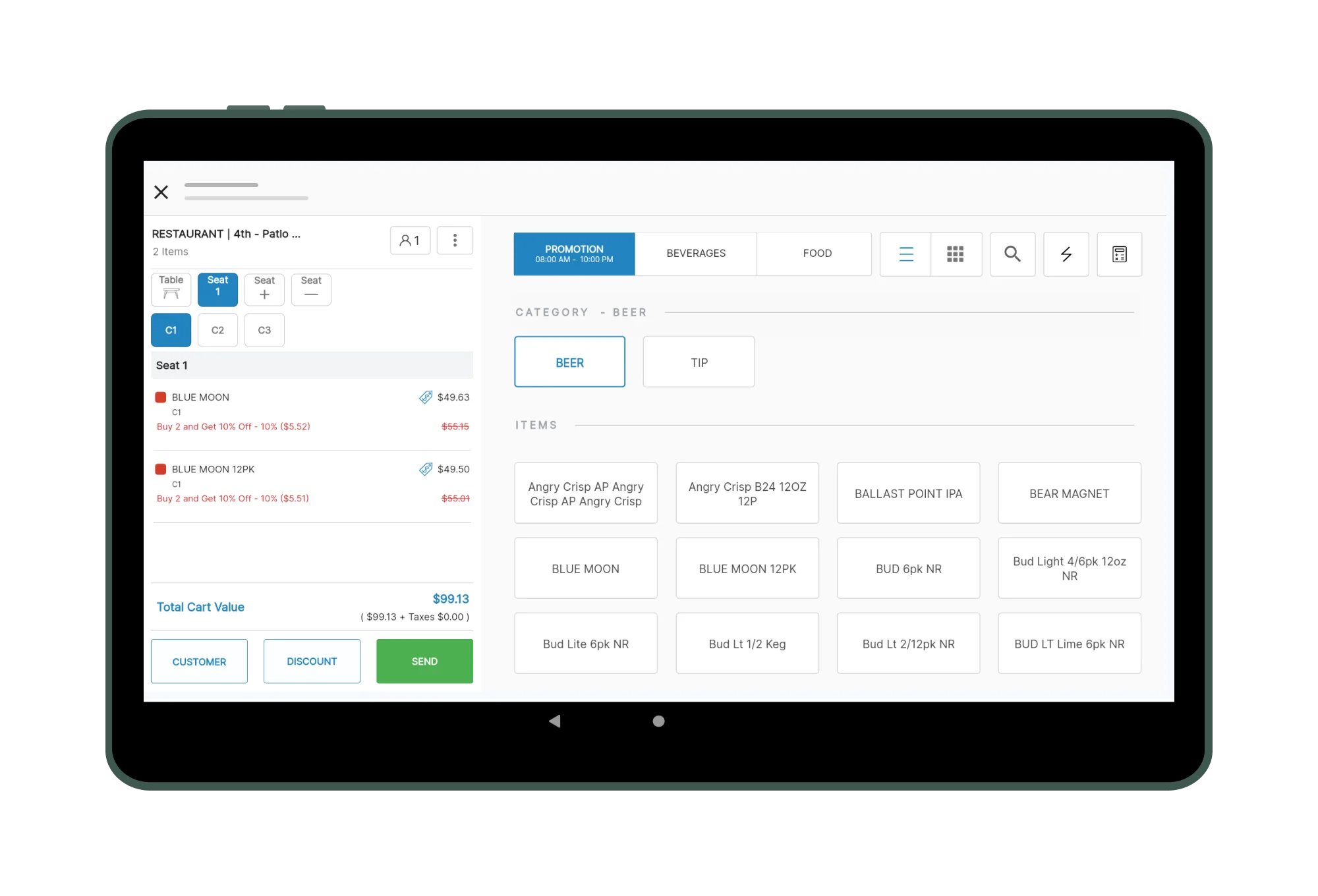
Promotions
When discounted products are added to the cart, the system will automatically apply the configured discounts.
Gift Cards
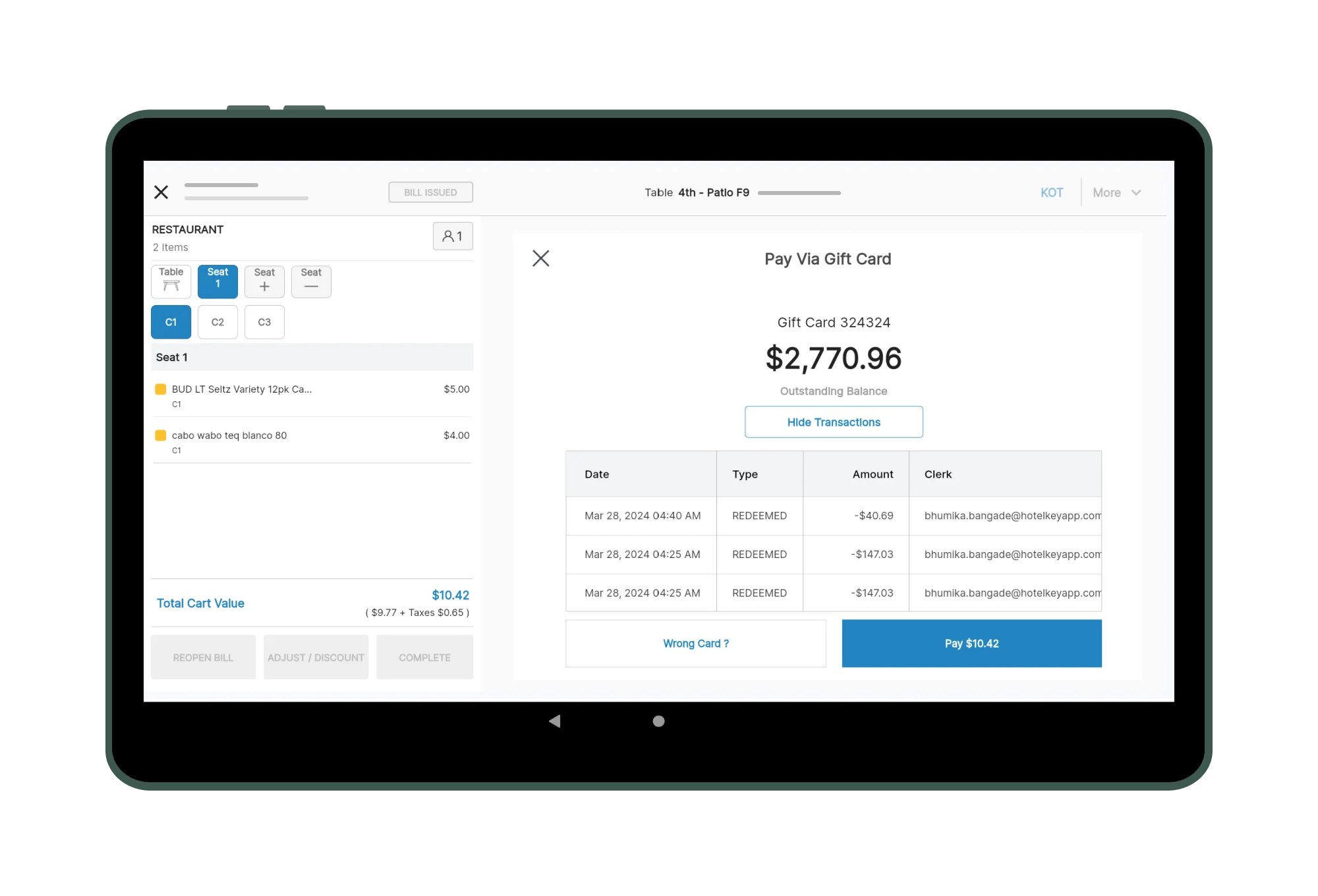
Set up gift cards for customers and increase their loyalty with flexible check out ability through redeeming the gift cards.
Waitlist
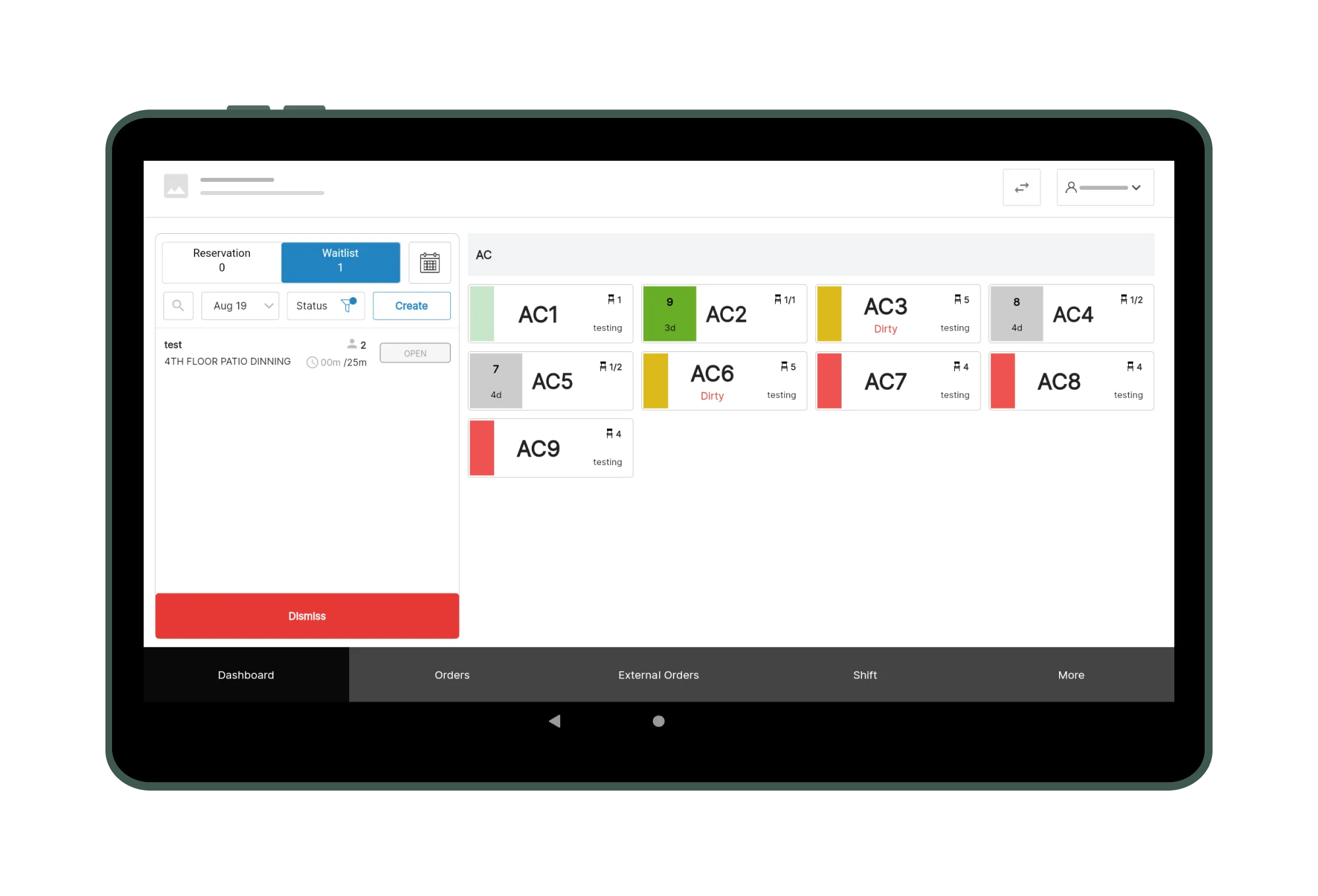
Register application allows user to add customers to waitlist and to be able to manage the order for being able to host guests to the table.
Curious to Learn more? These Questions Might Help!
A Property Management System (PMS) is software that centralizes hotel operations like reservations, billing, and guest management. It benefits your hotel by streamlining processes, enhancing guest experiences, and optimizing revenue through analytics. With integration capabilities and data security, a PMS supports efficient and secure operations.
Yes, HotelKey's PMS seamlessly integrates with various hotel systems, including point of sale (POS) systems, channel managers, and global distribution systems (GDS). This ensures a unified workflow across different departments, enhances guest service, and provides real-time data synchronization for efficient hotel management.
The cost of a PMS varies depending on your specific requirements and the features you need. Our sales team can provide a detailed quote tailored to your hotel's needs. We have a transparent pricing policy with no hidden charges, ensuring you know exactly what you're paying for.
24*7 Customer Support
Don't let glitches disrupt a great guest experience. HotelKey offers 24/7 customer support to provide expert help anytime, anywhere.
Contact SupportHigh Customer Satisfaction Score
Be confident in selecting a PMS trusted by hoteliers worldwide. Our high customer satisfaction scores are a testament to the positive impact HotelKey PMS can have on hotel operations.